Ask for a review after the visit, without remembering to
The best moment to ask for a review is right after the visit, and it is also the moment everyone is busiest. In this video, a gym (a demo account) passes each new member from its booking system to Review Machine. Automatic sending puts them in the queue, and the email goes out in the evening hours the owner picked, after class. Each person is asked once, and nobody at the desk has to remember.
Transcript
0:00 Who remembers to ask?
The best time to ask for a review is right after the visit. The worst person to remember is you. By closing time, I've forgotten who came in.
0:11 From the front desk to the list
At the desk, Daniel's first visit goes into the booking system. The booking system passes each new client to Review Machine through a webhook. We connect it once, at setup. A moment later, Daniel is on Maya's list, already queued.
0:31 Automatic sending, evening hours
Automatic sending is on, so nobody at the desk has to remember. Maya chose the hours: early evening, after most classes, never at night. A daily limit keeps the pace steady.
0:50 The email arrives, once
Daniel finishes class and heads home. Just after six, the email arrives, with his own personal link. Each person is asked once. A second check-in won't send a second email. I don't chase anyone. It just goes out.
1:09 One month later
Last month, one hundred forty-two new members were asked, and Maya didn't send a single email herself. No integration? Import the day's visits, and the rest is automatic. Run a free listing check at fractalic.studio.
What the owner does
Five steps, each shown in the video. The stills are frames from the video.
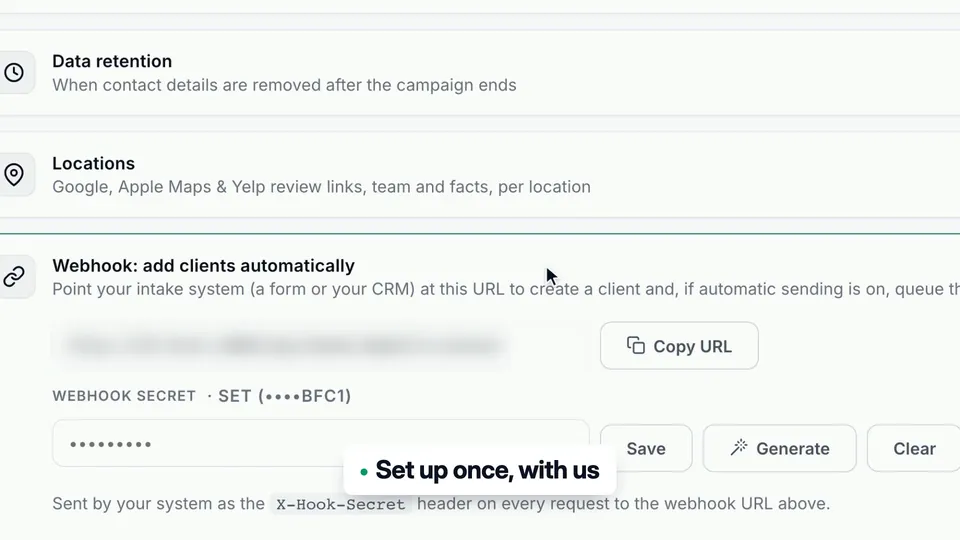
Connect your booking system or CRM
A webhook adds each new client to Review Machine as they are entered. We set it up with you once.
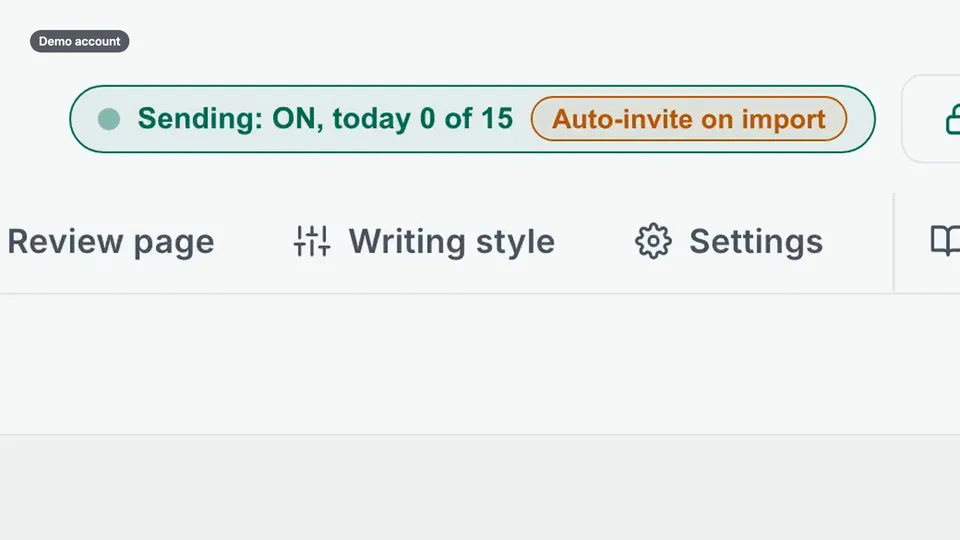
Turn on Automatic sending
New clients are queued as soon as they arrive, whether they come from the webhook, an import or a form.
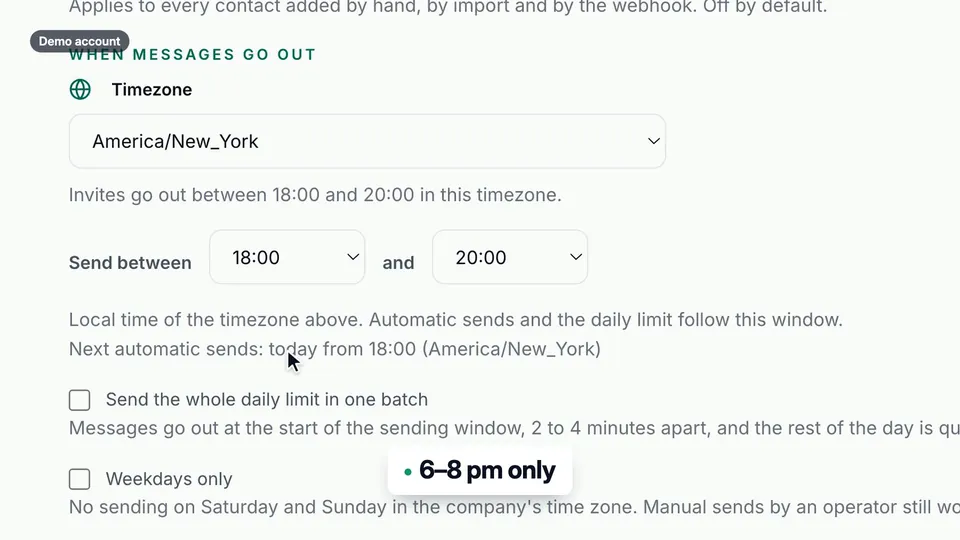
Pick your sending hours
Choose a timezone and a window, for example 6 to 8 pm, so invitations arrive after the visit and never at night.
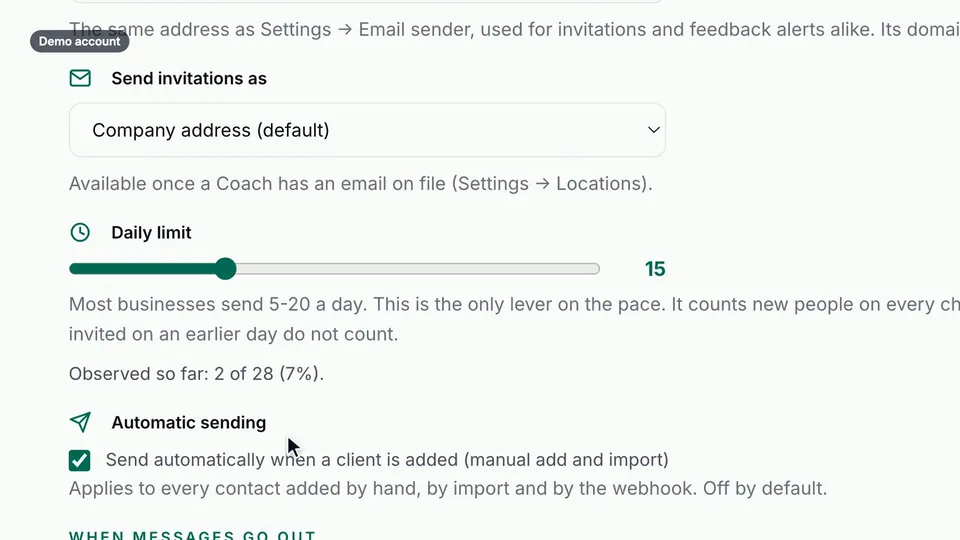
Set a daily limit
Most businesses send 5 to 20 a day. Anything over the limit goes out the next day, in order.
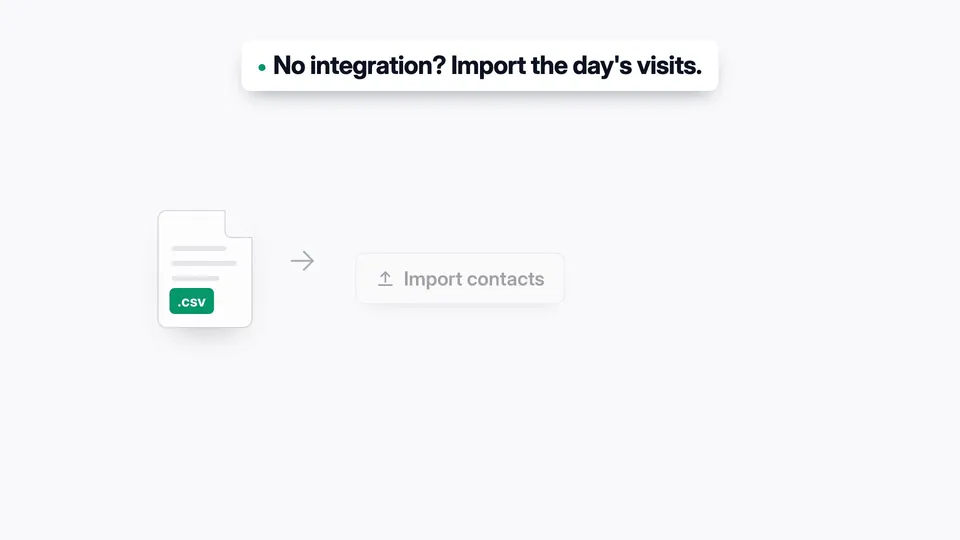
No integration? Import the day's visits
With Automatic sending on, an evening CSV import does the same job.
Good questions. Clear answers.
Does it work with my booking system or CRM?
Will a regular get an email after every class?
When does the invitation arrive?
More customer stories
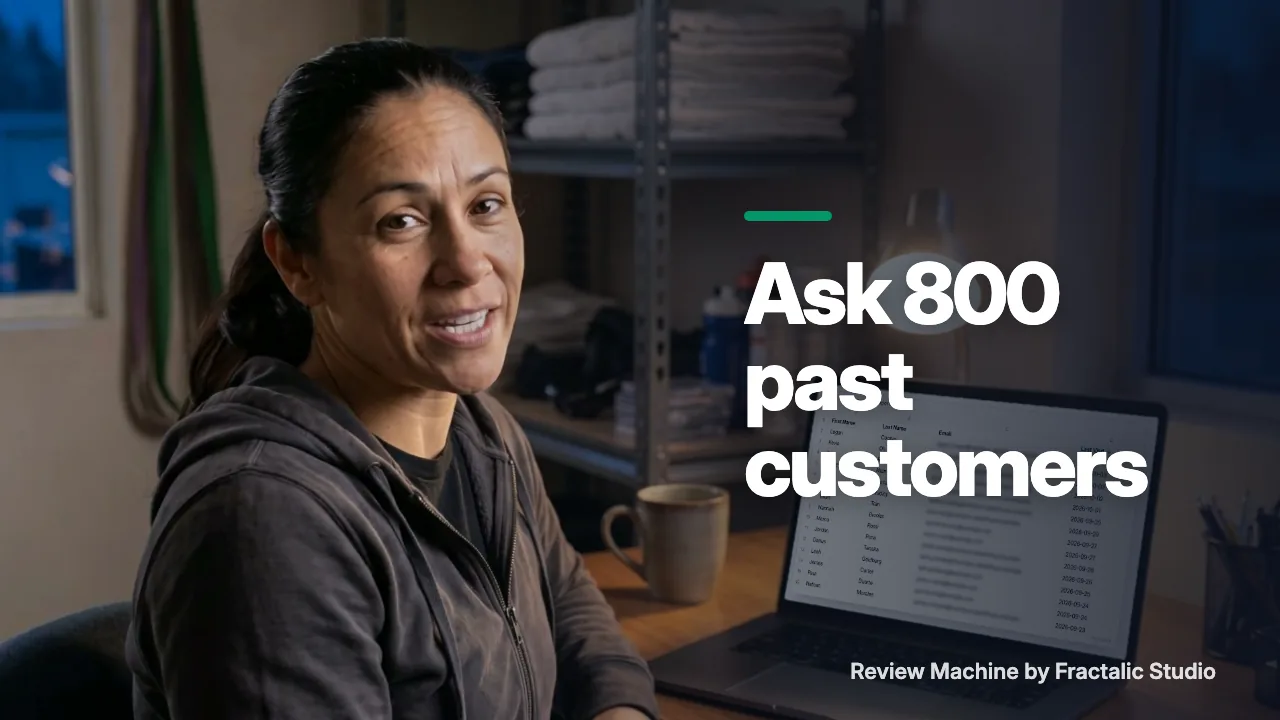 How to get reviews from past customers without a spike
Eight hundred people have trained at Maya's gym, and the listing shows forty reviews. This is how she asks every one of them without a spike.
Watch the story (1:30) →
How to get reviews from past customers without a spike
Eight hundred people have trained at Maya's gym, and the listing shows forty reviews. This is how she asks every one of them without a spike.
Watch the story (1:30) →
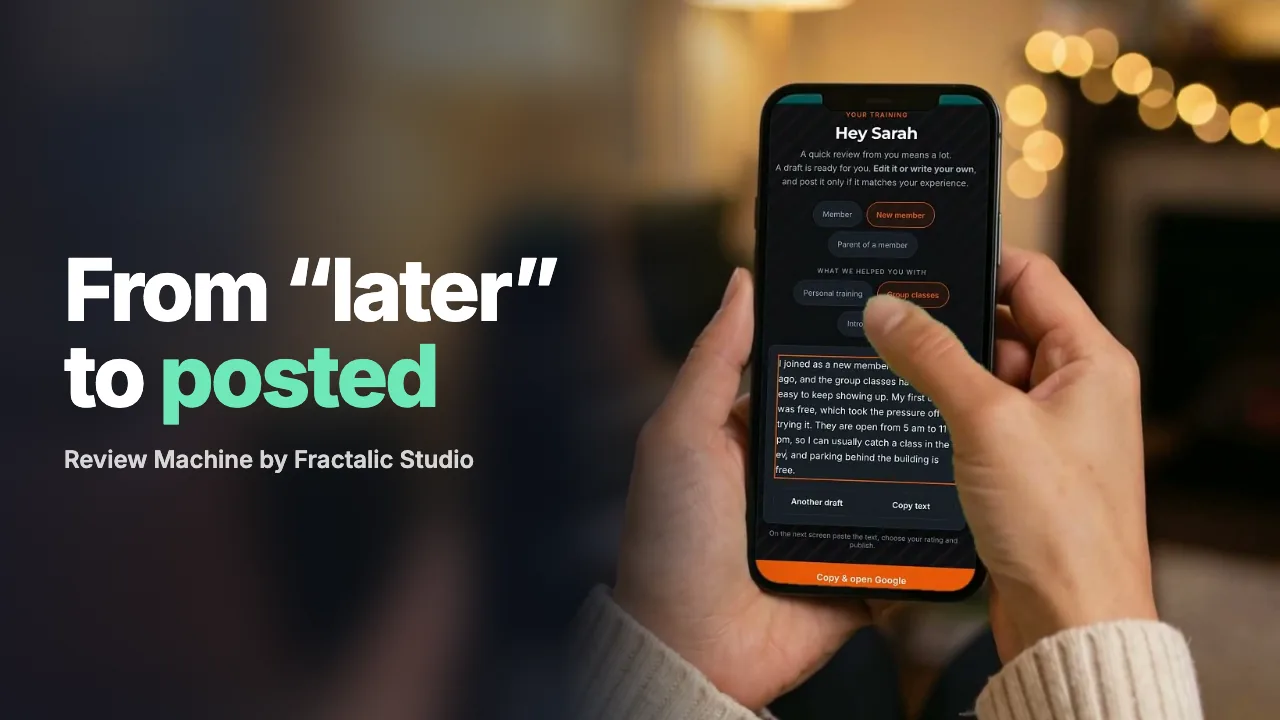 From "I'll do it later" to a posted review in a minute
Most happy customers don't refuse to leave a review. They just never get to it.
Watch the story (1:12) →
From "I'll do it later" to a posted review in a minute
Most happy customers don't refuse to leave a review. They just never get to it.
Watch the story (1:12) →
For your industry: Fitness studios and Home services. All use cases →