From "I'll do it later" to a posted review in a minute
Most happy customers never refuse to leave a review. They just never get to it: they don't know what to say, and an empty review box is work. This video shows the customer's side in real time. Sarah, a gym member (a demo account), opens an email, taps who she is and what she came for, gets a short draft, changes what isn't right, and pastes it into Google, where she picks her own rating. On the clock in this take: 40 seconds from the email to the review box.
Transcript
0:00 "I'll do it later"
Good class? So good. I keep meaning to write you a review. I'll do it later! Most happy customers don't refuse. They just never get to it. Here's the one-minute version.
0:13 Her email, her page
That evening, Sarah gets an email from Atlas Fitness with her own link. The page greets her by name. No account, no password. She taps two things: she's a new member, and she comes for group classes.
0:25 A draft she makes her own
A short draft appears, built from her choices and real facts about the gym. It's only a starting point. She fixes what isn't quite right, so it sounds like her.
0:39 Copy, open Google, post
One tap copies her text and opens Google. She pastes it. She chooses her own rating and posts from her own account.
0:55 I posted it
Back on the page: I posted it. Maya sees it the next morning, marked as self-reported. Under a minute, from email to review box. In her own words. Run a free listing check at fractalic.studio.
What the customer does
Five steps, each shown in the video. The stills are frames from the video.
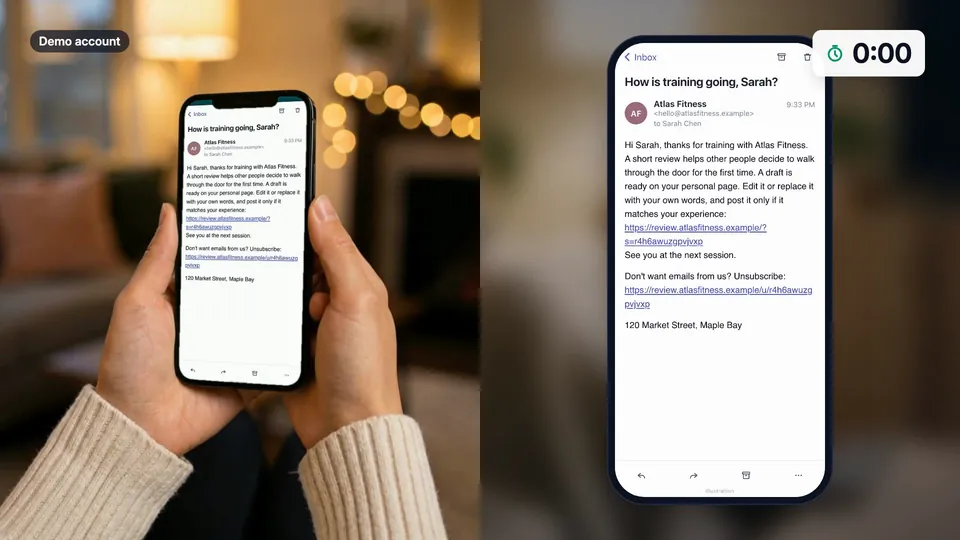
A personal email
Each customer gets a short email from your business with their own link. No account or app.
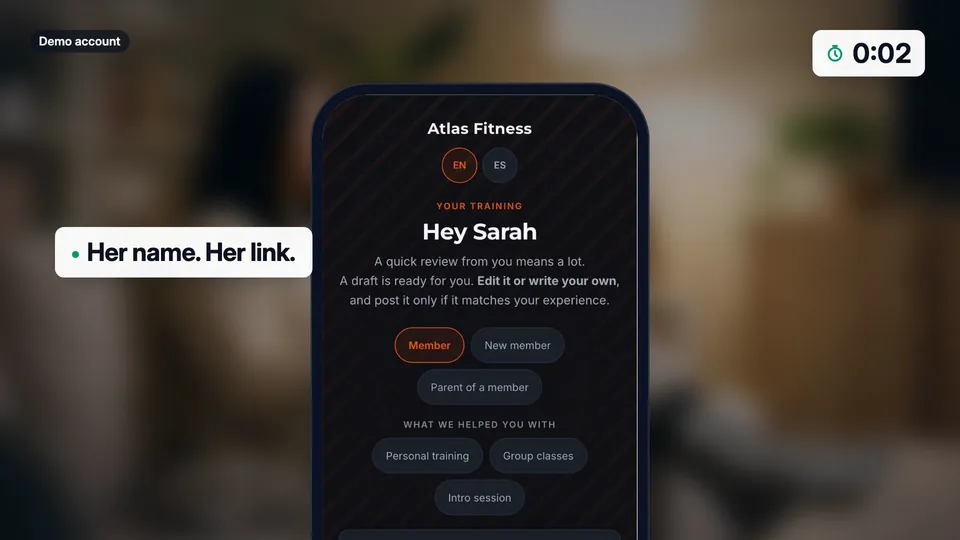
A page with their name
The link opens a page that greets them by name, in English, Spanish or Arabic.
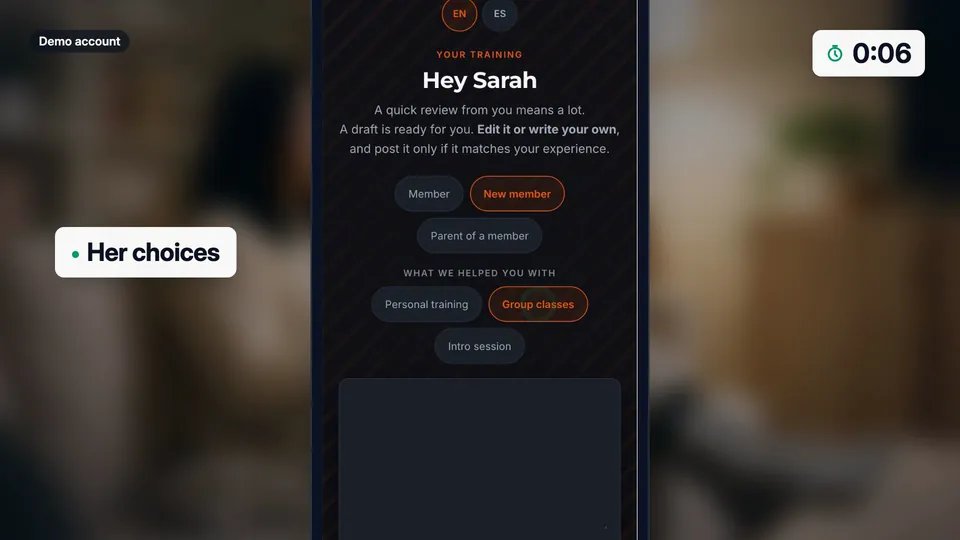
Two taps
They choose who they are and what you helped with, so the draft fits their visit.
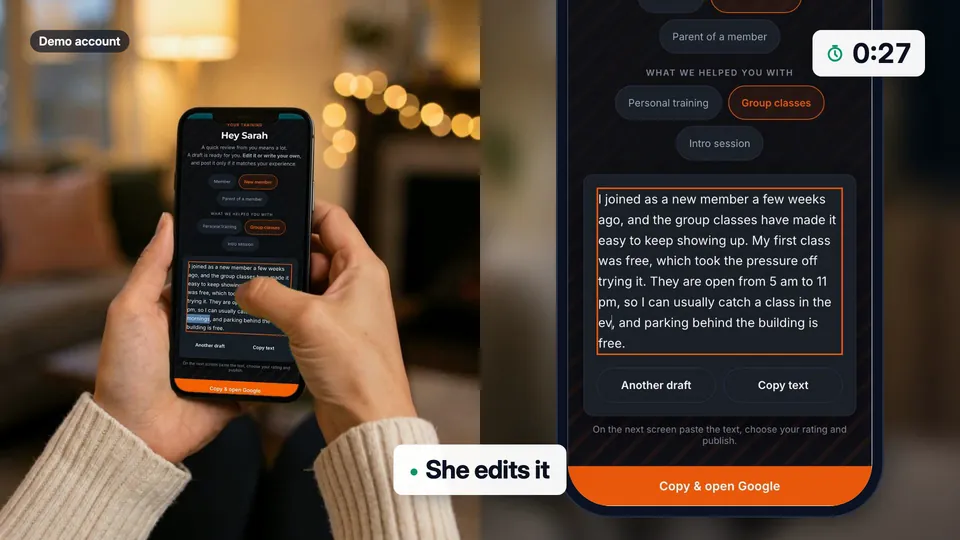
They edit the draft
It is a starting point built from their choices and facts you give us. They change any word, ask for another draft, or write their own.
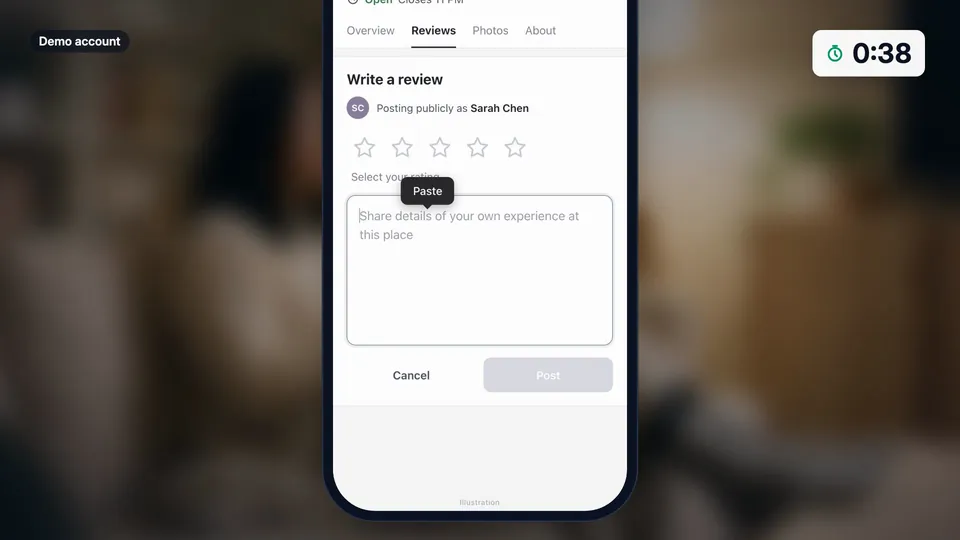
Copy, open Google, paste
One button copies the text and opens your Google review box. They pick the rating and post from their own account.
Good questions. Clear answers.
Is the draft an AI-written review?
Do customers need an account or an app?
How do I know if they posted?
More customer stories
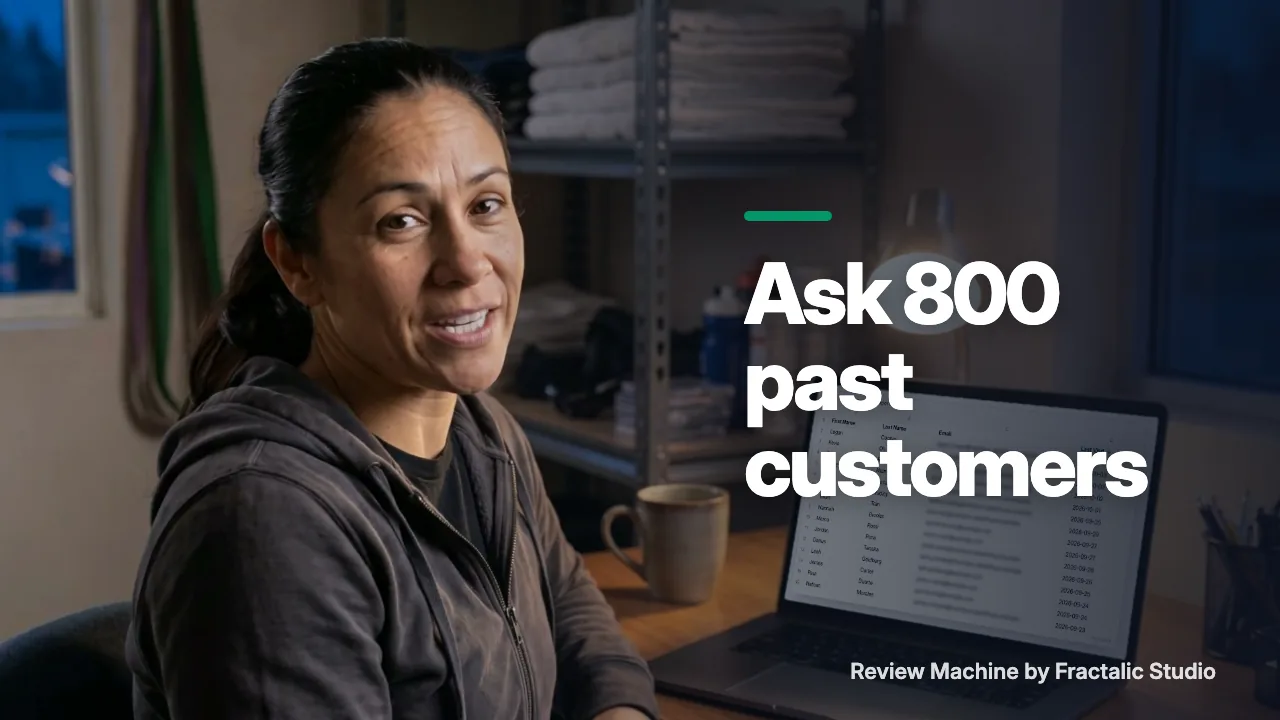 How to get reviews from past customers without a spike
Eight hundred people have trained at Maya's gym, and the listing shows forty reviews. This is how she asks every one of them without a spike.
Watch the story (1:30) →
How to get reviews from past customers without a spike
Eight hundred people have trained at Maya's gym, and the listing shows forty reviews. This is how she asks every one of them without a spike.
Watch the story (1:30) →
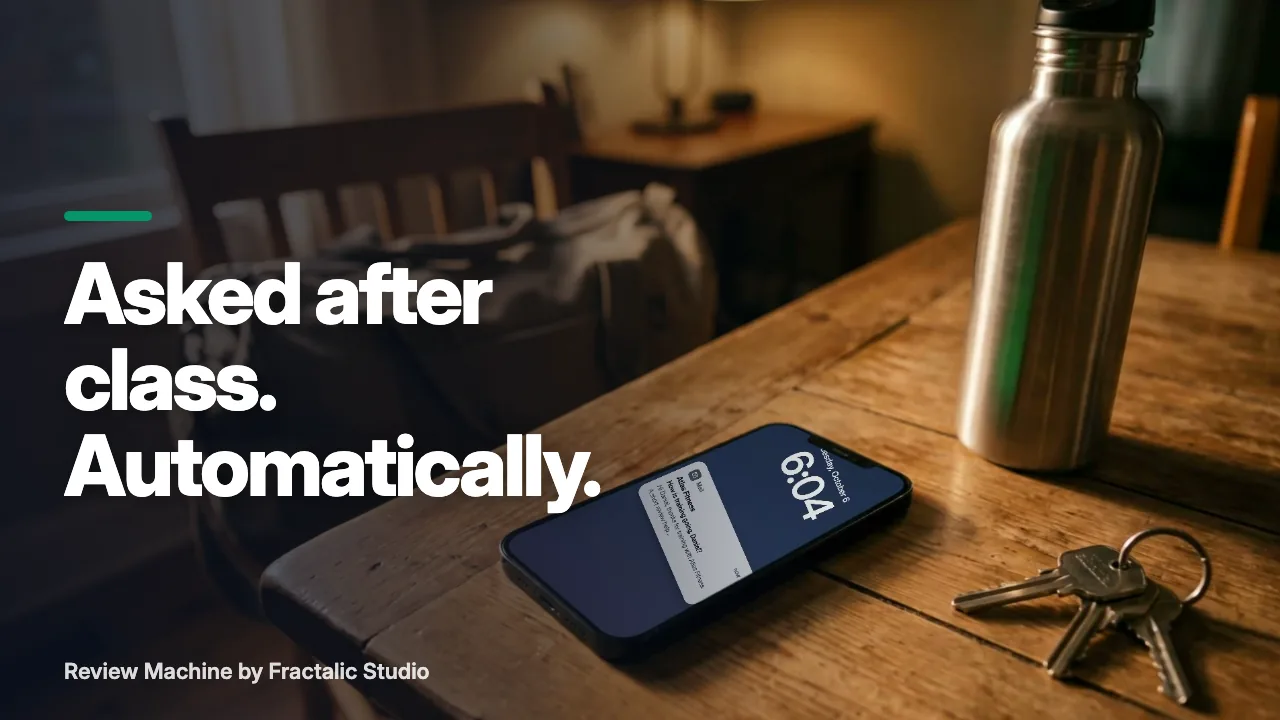 Ask for a review after the visit, without remembering to
The best time to ask for a review is right after the visit. The worst person to remember is you.
Watch the story (1:25) →
Ask for a review after the visit, without remembering to
The best time to ask for a review is right after the visit. The worst person to remember is you.
Watch the story (1:25) →
For your industry: Fitness studios and Martial arts. All use cases →