When a customer is unhappy, you hear it first
A bad experience usually reaches you the hard way, in a public review weeks later. Review Machine asks each customer how it went. A customer who taps Could be better can write to you privately, and you get an email within seconds. The link to post on Google stays on the page, so the choice is always theirs. You call, fix what went wrong, and keep a note for your team. For clinics, we add one rule for public replies.
Transcript
0:00 An unhappy patient
An unhappy patient will tell someone. Make sure you hear it too. Mark came in for an emergency visit at Brightside Dental. The care was fine. The wait was not.
0:11 A private note, the public link stays
That evening, the office sends a short note with his own link. The first question: how was the visit? He taps Could be better. A private form opens. He writes what happened, in his own words, and sends it. The Google link stays right there. If he wants to post publicly, he still can.
0:34 The alert, the call, the note
Within seconds, Dr. Lee has his message in her inbox. It's also on the Feedback tab, marked New. One click opens his card, with his number. Hi Mark, it's Dr. Lee from Brightside. I read your note about the wait. You're right, and I'm sorry. She marks it resolved and notes what changed, so the whole team knows.
0:59 Replying in public
If a patient does post publicly, reply without confirming they're your patient, never mention treatment, and invite them to call the office. You hear it first. Your patients still choose where to say it. Start with a free check of your listing at fractalic.studio.
What the owner does
Five steps, each shown in the video. The stills are frames from the video.
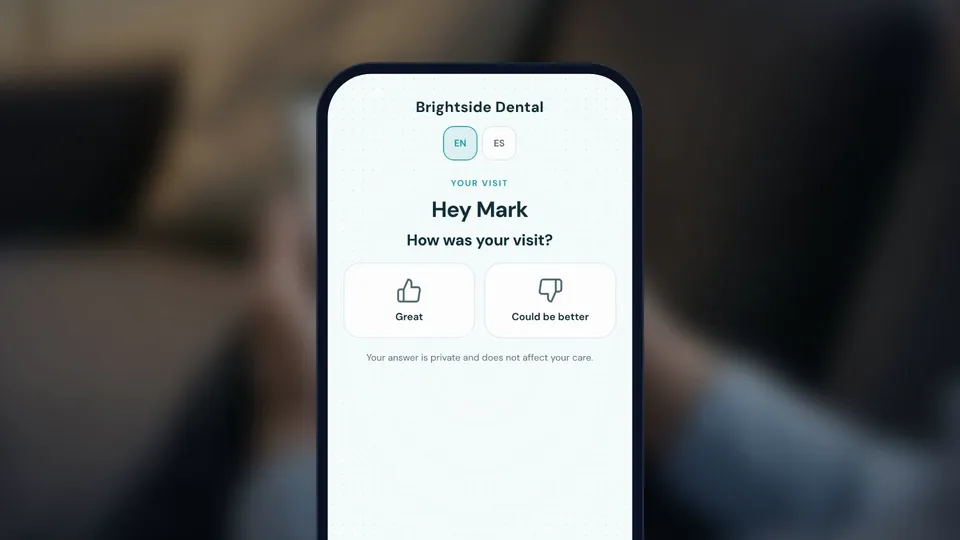
Ask how it went
The review page opens with one question and two buttons: Great or Could be better.
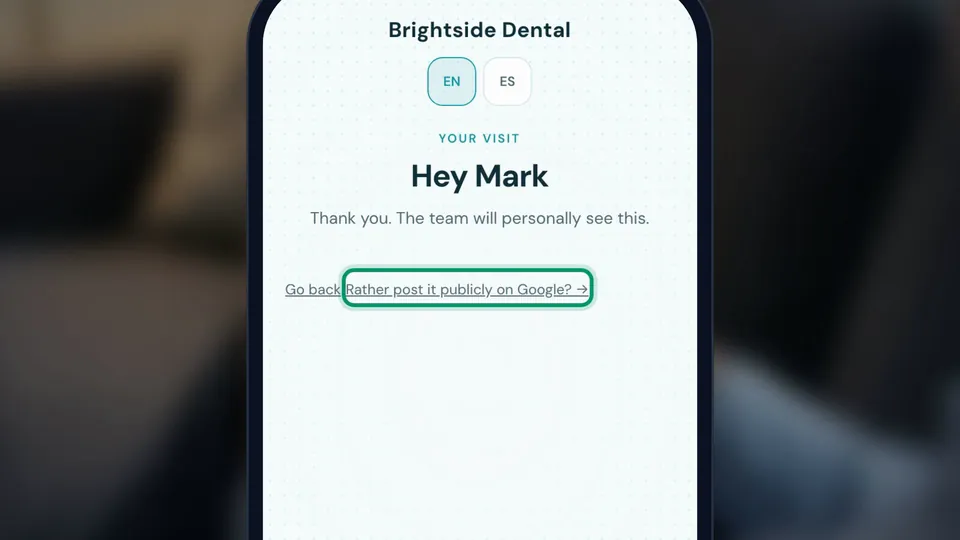
Let them say it privately
Could be better opens a short private form. The public Google link stays available after they send it.
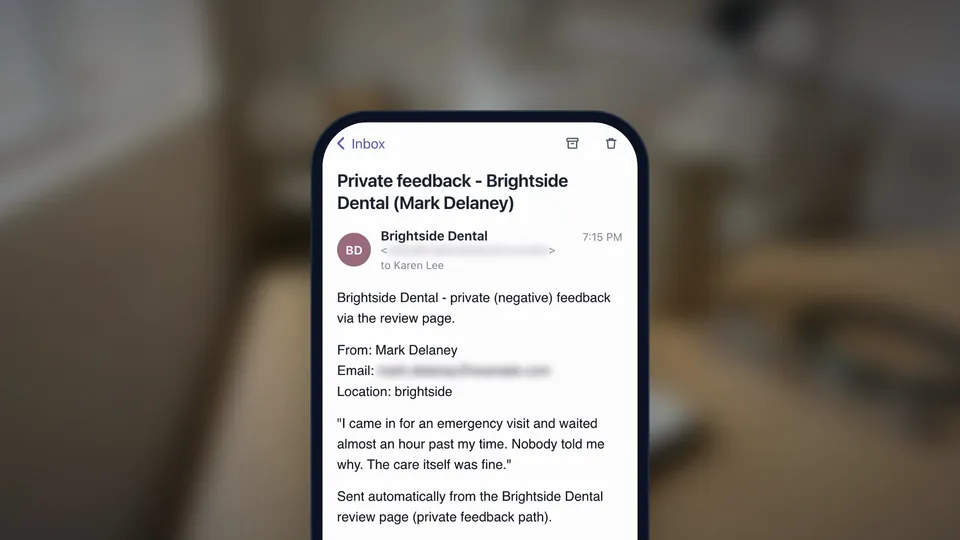
Get the alert
The message is emailed to your feedback address and waits on the Feedback tab, marked New.
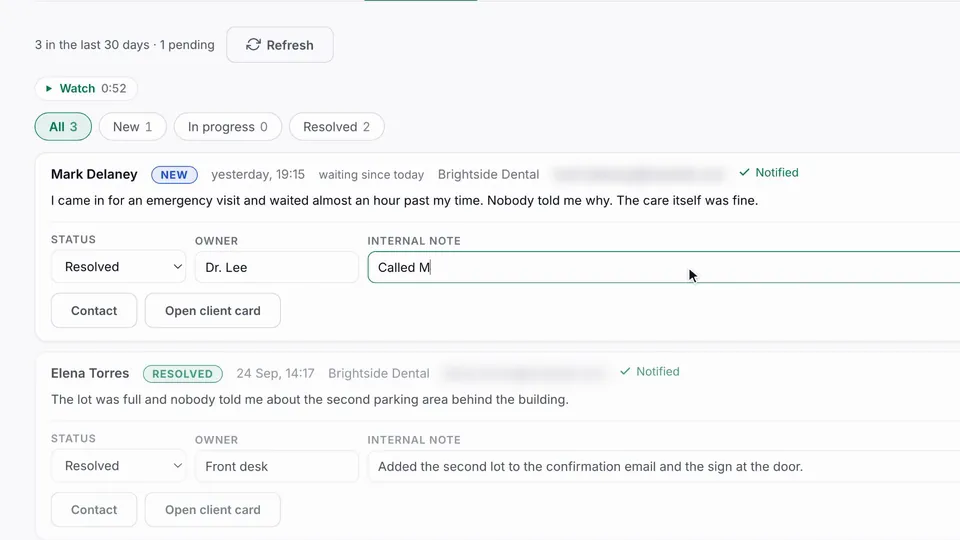
Call and close the loop
Open the client card, call, then set a status, an owner and an internal note.
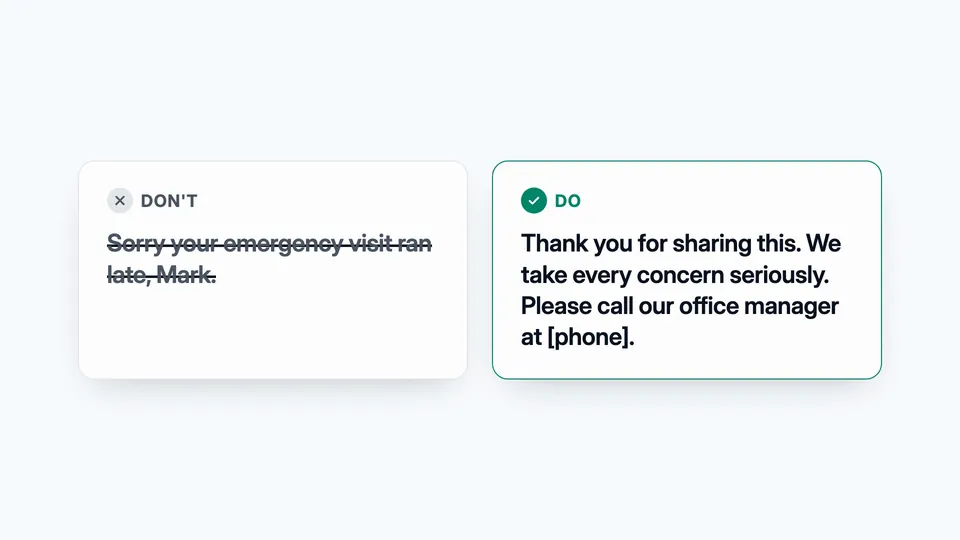
Reply safely in public
If they post anyway, thank them, never confirm they are a patient or client, and invite them to call.
Good questions. Clear answers.
Isn't a private feedback form review gating?
How should a dental or medical practice reply to a negative review?
Who gets the alert?
More customer stories
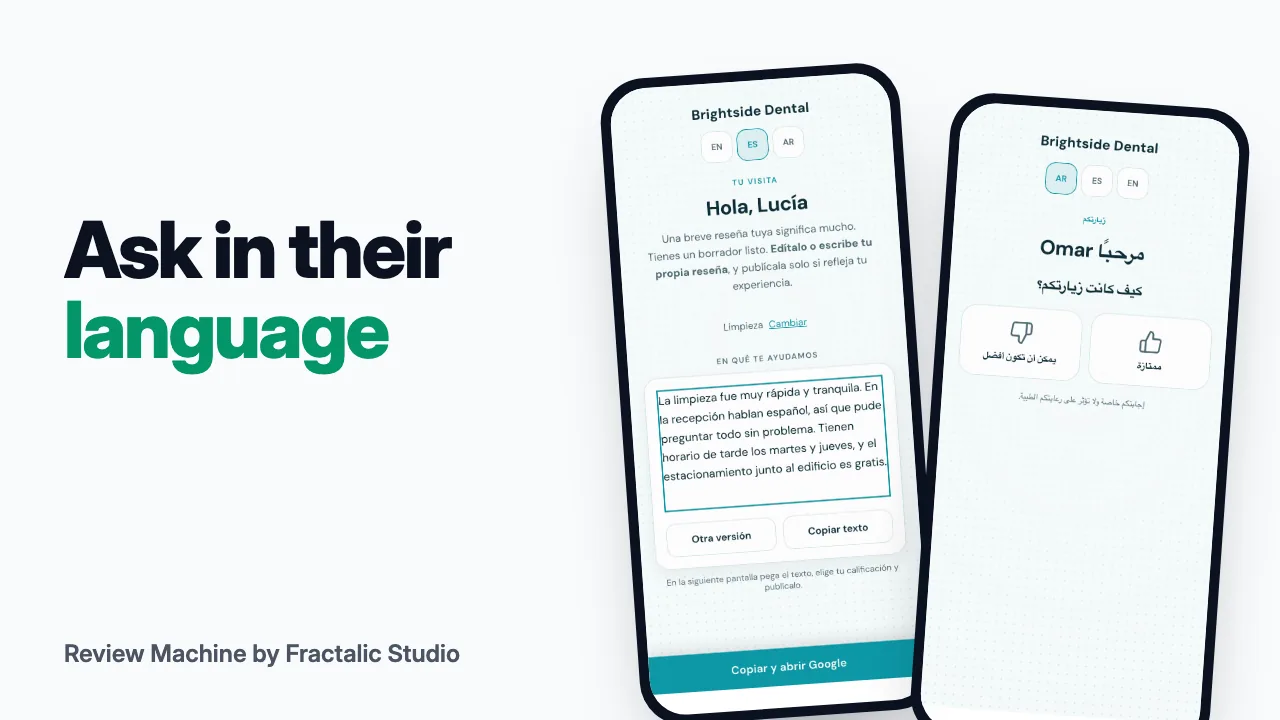 Review requests in your customer's language
Half your patients speak Spanish, and your review request goes out in English only.
Watch the story (1:24) →
Review requests in your customer's language
Half your patients speak Spanish, and your review request goes out in English only.
Watch the story (1:24) →
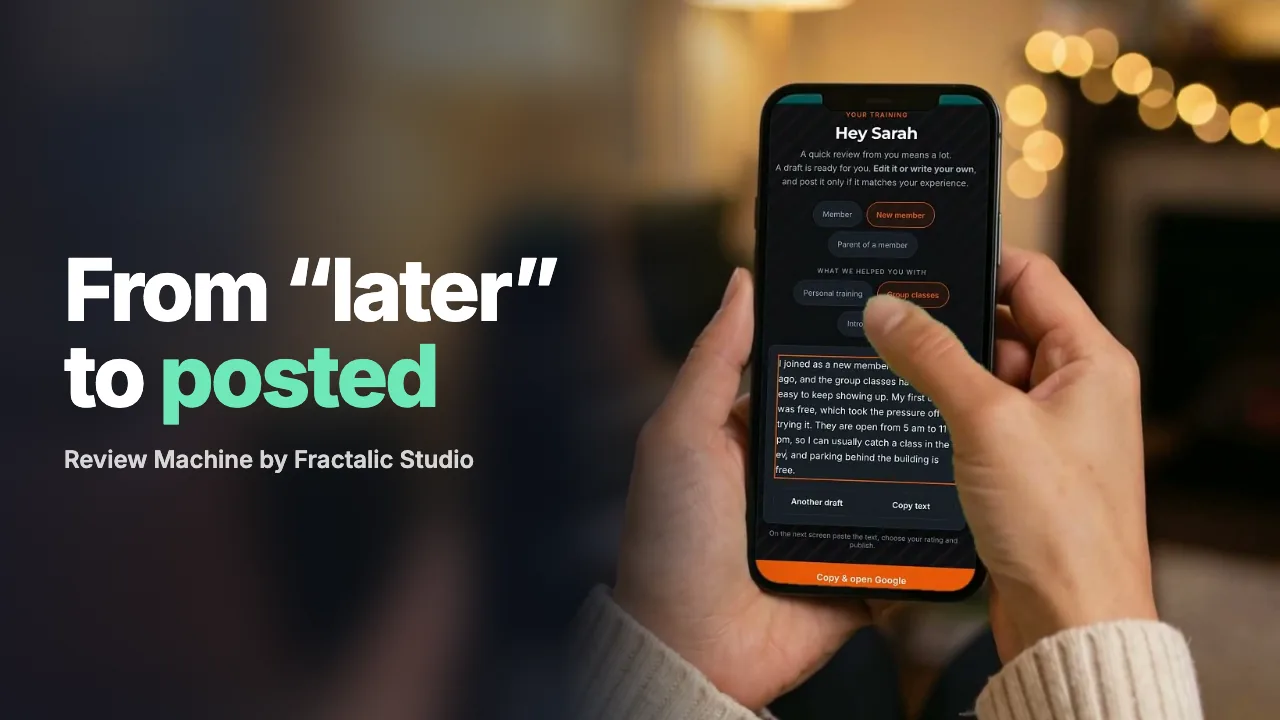 From "I'll do it later" to a posted review in a minute
Most happy customers don't refuse to leave a review. They just never get to it.
Watch the story (1:12) →
From "I'll do it later" to a posted review in a minute
Most happy customers don't refuse to leave a review. They just never get to it.
Watch the story (1:12) →
For your industry: Medical transportation and Law firms. All use cases →