Google reviews for multiple locations
With two or more locations, reviews often pile up on the wrong listing, and one branch looks empty. Review Machine gives every location its own Google listing. Each customer belongs to the location they visit, so their review page and the Copy and open Google button lead to that listing. On Overview you pick a location and see its own invitations, page visits, self-reported posts and review count.
The KD MMA numbers at the end are real: its three Google listings showed 63 reviews on 4 August and 187 on 17 September 2026. These are the counts the listings gained, not reviews we produced, and results vary. Read the KD MMA case or see the dated screenshots and how we counted.
Transcript
0:00 Two locations, one member list
Two locations. One member list. So which Google listing does each review land on? Riverside members kept reviewing Downtown. Riverside looked empty.
0:13 Each location, its own listing
In Review Machine, each location has its own Google listing. Open and check shows where the button leads. Every member belongs to a location, from your import, or one field when you add them.
0:33 Marco at Riverside, Sarah at Downtown
Marco trains at Riverside. His review page knows it. And the button opens the Riverside listing. Not Downtown. Sarah's opens Downtown.
0:51 Numbers per location
On Overview, pick a location to see its own numbers. Invited, opened, went to Google, posted. And each listing's review count, on its own.
1:05 A real client with three locations
KD MMA, a real client with three locations, went from 63 to 187 reviews. Results vary. But every review lands where it belongs. Start with a free check of your listing.
What the owner does
Four steps, each shown in the video. The stills are frames from the video.
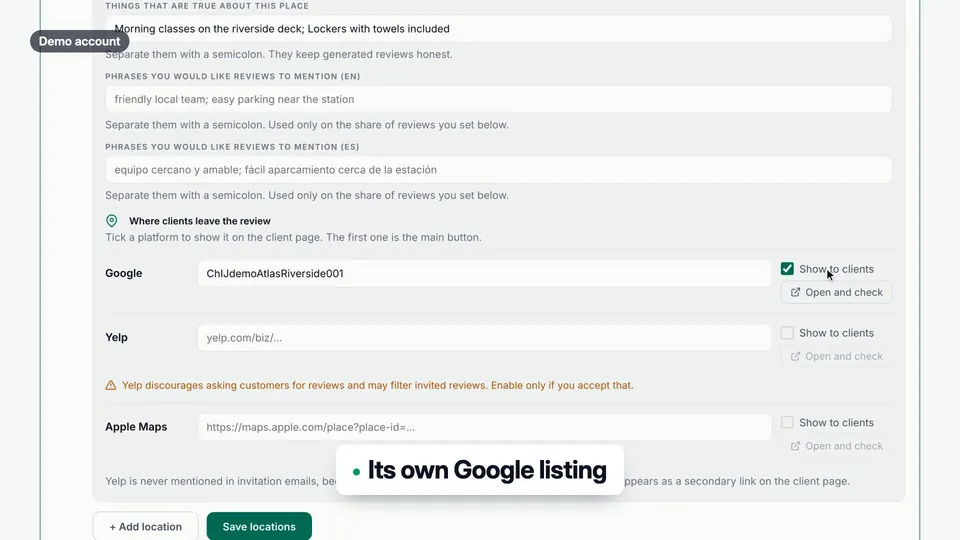
Add each location
In Settings, under Locations, give every location its own Google Place ID, then use Open and check to confirm where the button leads.
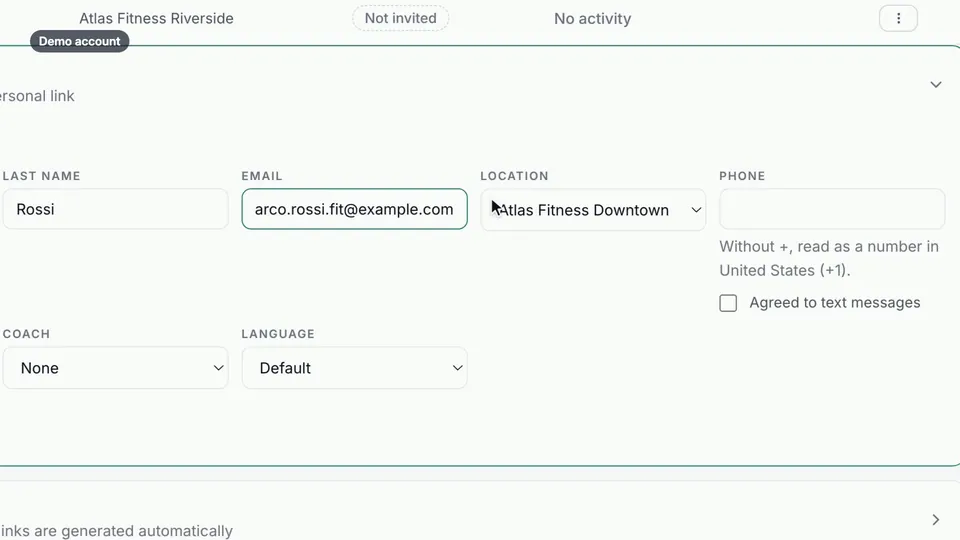
Assign customers to locations
Import a location column from your CRM or pick the location when you add someone.
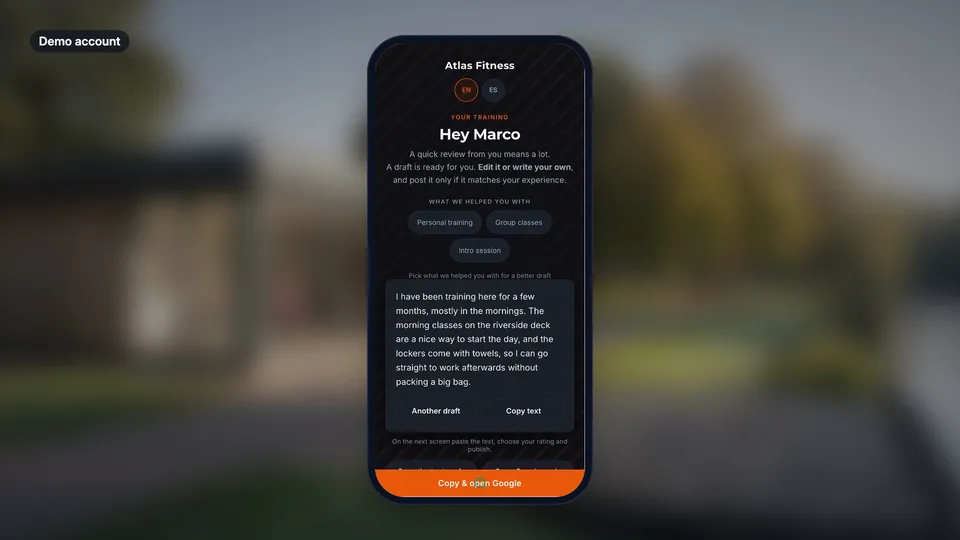
Invite as usual
Each customer's page names their location and opens that location's Google listing.
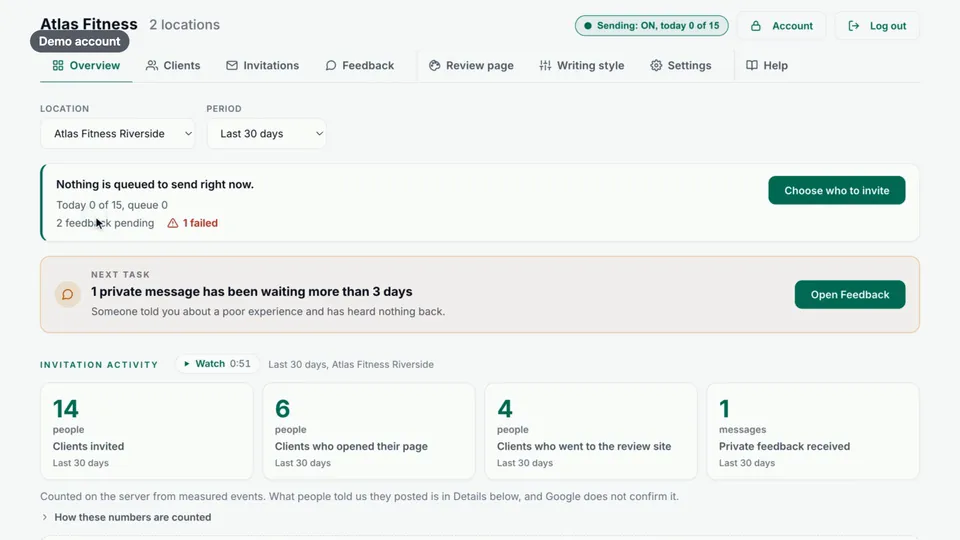
Compare locations
On Overview, pick a location to see its numbers and its listing's review count.
Good questions. Clear answers.
How does a customer end up on the right Google listing?
Can I see results for each location separately?
Should reviews mention a staff member or the branch name?
More customer stories
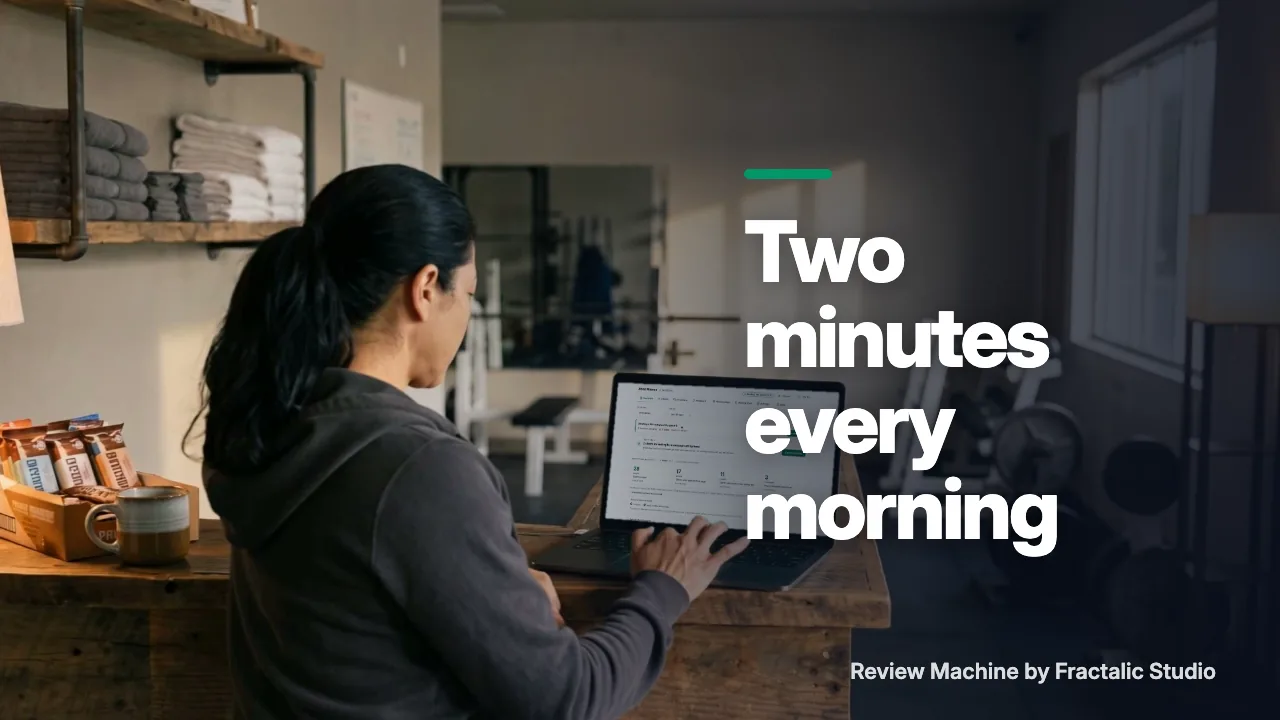 Two minutes every morning
Is it working? Two minutes, one screen.
Watch the story (1:12) →
Two minutes every morning
Is it working? Two minutes, one screen.
Watch the story (1:12) →
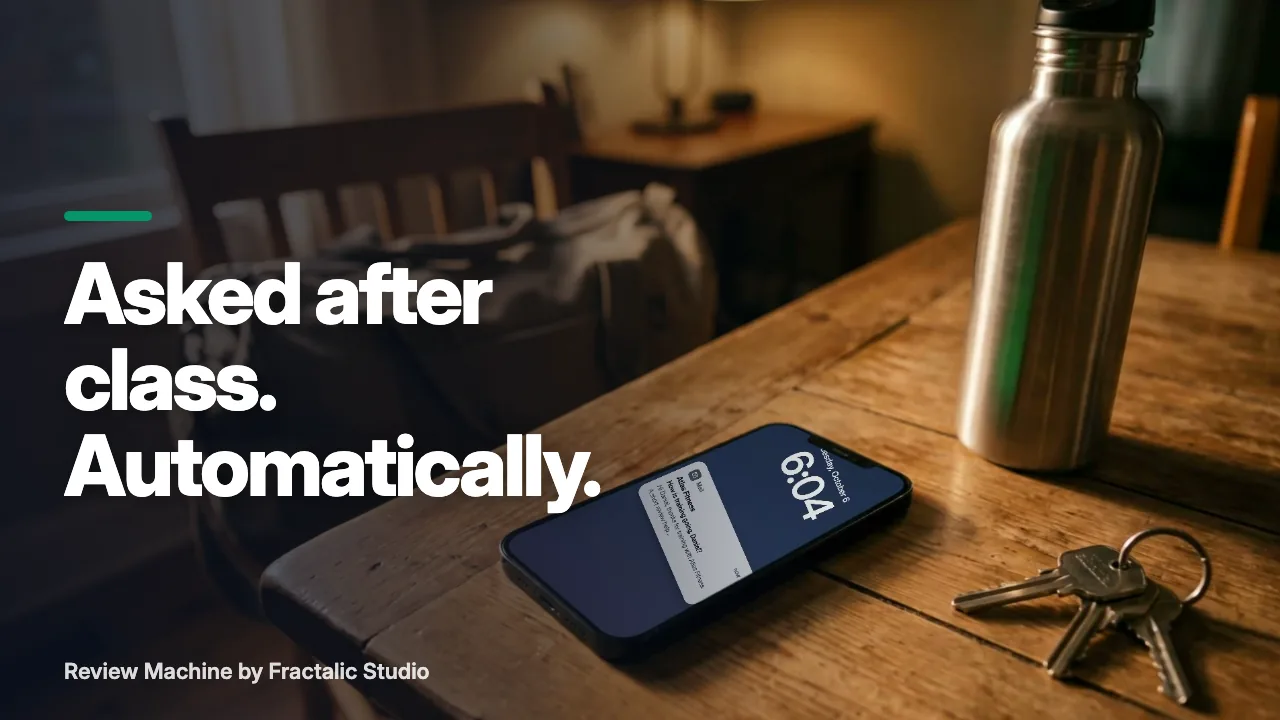 Ask for a review after the visit, without remembering to
The best time to ask for a review is right after the visit. The worst person to remember is you.
Watch the story (1:25) →
Ask for a review after the visit, without remembering to
The best time to ask for a review is right after the visit. The worst person to remember is you.
Watch the story (1:25) →
For your industry: Martial arts and Fitness studios. All use cases →